What is Arduino?
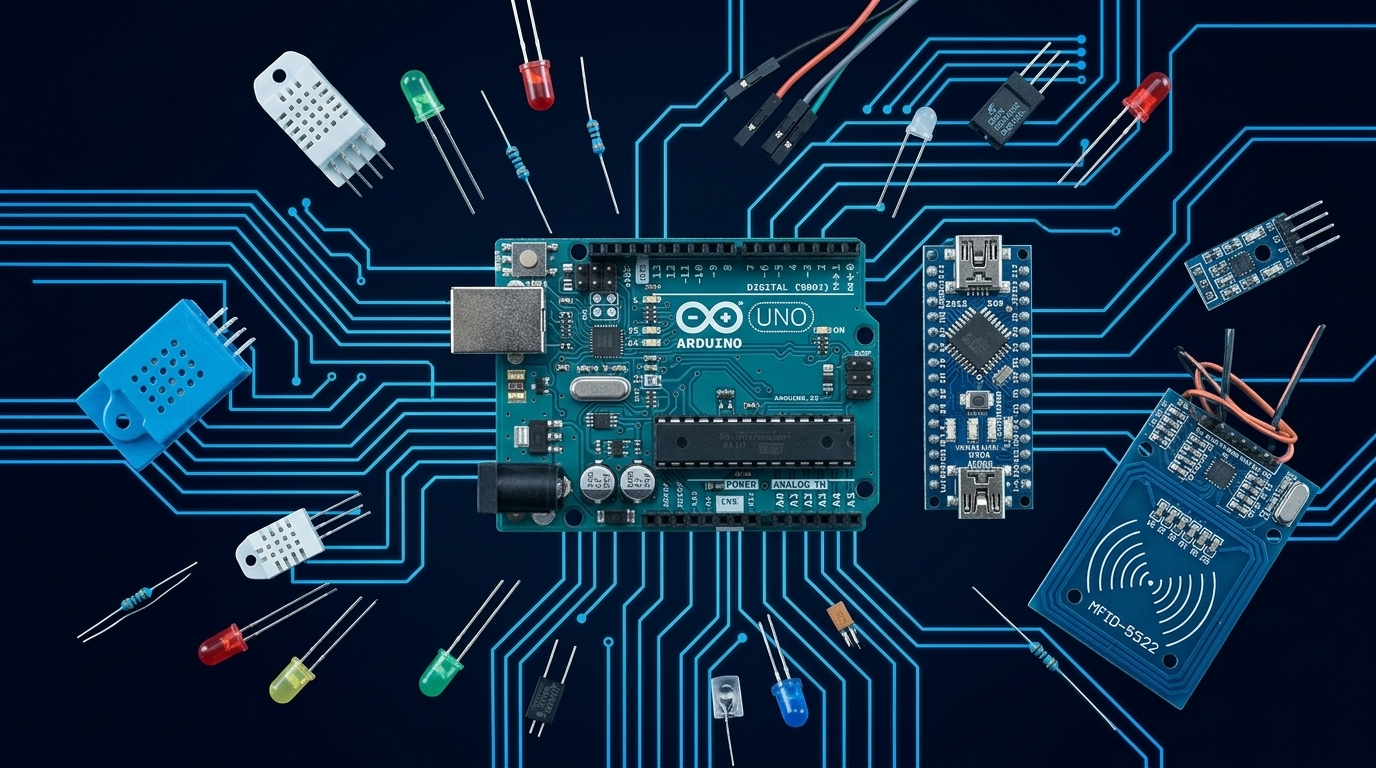
Arduino Cybersecurity Projects are an open-source electronics platform consisting of microcontroller boards and a programming environment based on C/C++. Unlike Raspberry Pi which runs a full Linux operating system, Arduino is a microcontroller — it runs a single program directly on bare metal hardware. This makes it fast, predictable, and capable of interfacing with hardware at a level that computers running full operating systems struggle with. In cybersecurity, Arduino is used to build custom keystroke injection devices, RFID readers and writers, hardware implants, logic analyzers, protocol sniffers, and physical security testing rigs.
Is This Right for You?
This is for you if...
- You want to build custom Arduino cybersecurity projects hardware rather than buying pre-made tools
- You’re interested in hardware hacking, IoT security research, or embedded systems and developing Arduino cybersecurity project.
- You want to understand how keystroke injection devices and hardware implants work at code level
- You enjoy building things — Arduino rewards curiosity and hands-on experimentation
- You want to prototype custom RFID or RF security research tools at low cost
This is NOT for you if...
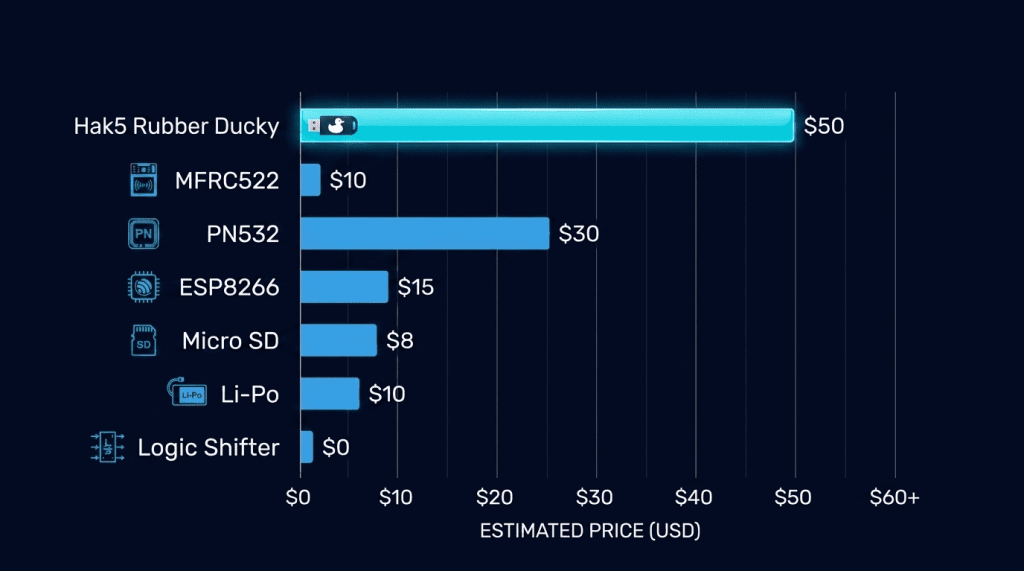
- You want ready-to-deploy security tools — buy Hak5 hardware instead
- You need a full Linux environment for your security tools — Raspberry Pi is the right choice
- You have no interest in electronics or coding — the learning curve requires both
Arduino Boards — Which One for Security Work?
How Security Professionals Use Arduino
Keystroke Injection (BadUSB) Attacks
The Arduino Leonardo and boards with ATmega32U4 chips support native USB HID emulation — they can impersonate keyboards and mice (perfect for Arduino cybersecurity projects). A security professional programs one to appear as a keyboard when plugged into a target machine, then execute a payload in milliseconds. This is the fundamental concept behind Hak5’s USB Rubber Ducky.
- Write custom keystroke injection payloads in Arduino’s C-like language
- Test whether endpoint controls block unauthorized HID device attachment
- Build budget alternatives to commercial BadUSB devices for lab use
RFID / NFC Reader and Writer Circuits
Combined with MFRC522 or PN532 NFC/RFID modules (under $5 each), Arduino becomes a fully functional RFID reader and writer. Security researchers use Arduino-based RFID rigs to build automated card testing systems, logging infrastructure, and custom cloning rigs.
- Build a continuous RFID logging device that captures card UIDs passively
- Create automated RFID testing rigs that cycle through multiple card types
- Prototype custom RFID security research hardware before investing in Proxmark 3
Hardware Implants and Protocol Analysis
Arduino’s small form factor and low power consumption make it ideal for covert hardware implants and be used in arduino cybersecurity projects. Combined with wireless modules (ESP8266 or NRF24L01), an Arduino can silently capture keystrokes, monitor GPIO signals, or transmit data over RF without any visible external connection. It can also interface directly with SPI, I2C, and UART protocols — allowing security researchers to sniff traffic between ICs on a circuit board.
Essential Components for Arduino Cybersecurity Projects
Where to Get Arduino Hardware
── SecVerse Marketplace — Arduino ──
Recommended Resources
How to Get Started
To start with Arduino Cybersecurity Projects, follow these steps:
- Buy an Arduino Uno starter kit. The Uno is the most beginner-friendly board. A starter kit (~$30–40) includes the board, USB cable, breadboard, jumper wires, LEDs, and basic components — everything needed for the first 20 projects.
- Blink an LED, then blink it with a pattern you control. Sounds trivial. It isn’t. The moment you control physical hardware with code you wrote, the mental model for RFID modules, radio modules, and sensors becomes clear. Don’t skip the basics.
- Build an RFID reader as your first security project. Connect an MFRC522 module via SPI. Install the MFRC522 Arduino library. Upload the example sketch. Tap your contactless card. Watch the UID print to the serial monitor. That’s your first RFID read.
📌 Note: The information on this page — including certification details, exam codes, pricing, and salary ranges — is regularly reviewed and updated to reflect the latest data from official sources. Always verify current details directly with the relevant certification body or platform before making any decisions.
Community & Support
── Arduino Communities ──